Anatomy of a wall
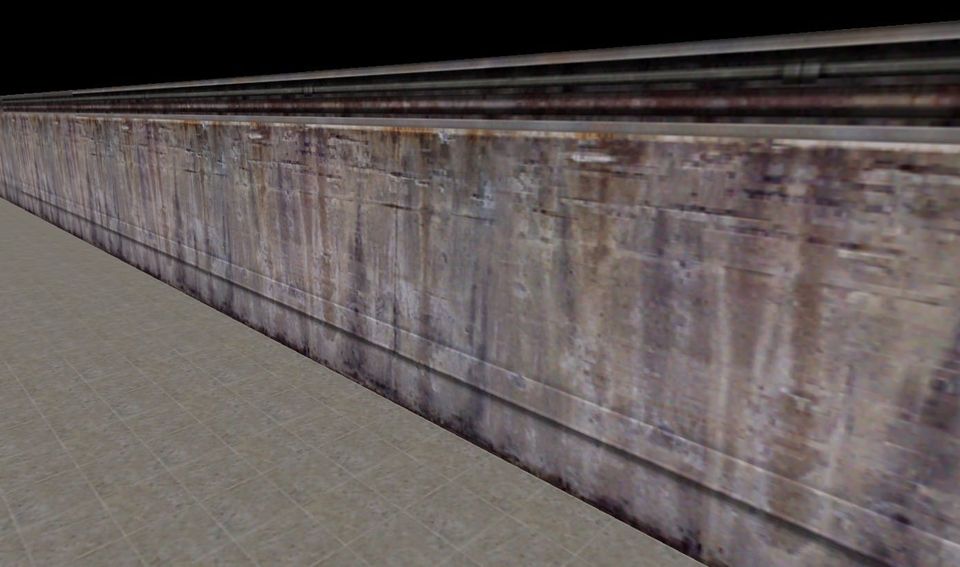
This is Wall Week, but there are no walls here. What you see in the screenshot above is not a wall, but a brush. A brush is a simple geometric shape rendered within Half-Life's Quake-derived GoldSrc engine. This particular brush is constructed within the Valve's mapmaking tool and consists of six faces, their corners defined by vertices. When run through the bsp compilation process, all faces not visible within the vacuum-sealed innerspace of your level are marked so as not to be rendered, and the remainder will rendered in-game as triangular polygons. If you look at the image and see a wall, then it is only an illusion.
Why is any of this important? It's not, really, in 2026, but I spent a thousand hours learning how to make Half-Life maps when I was a teenager and 25 years later I'm still mentally trying to keep the r_speeds down.
"R_speed" stands for "render speed", the speed at which the GoldSrc engine is able to draw whatever is currently on screen. It's a console command you can turn on in any Half-Life level to cause a waterfall of stats to trickle down the console log like you just enabled the Matrix.
This post is for paying subscribers only